

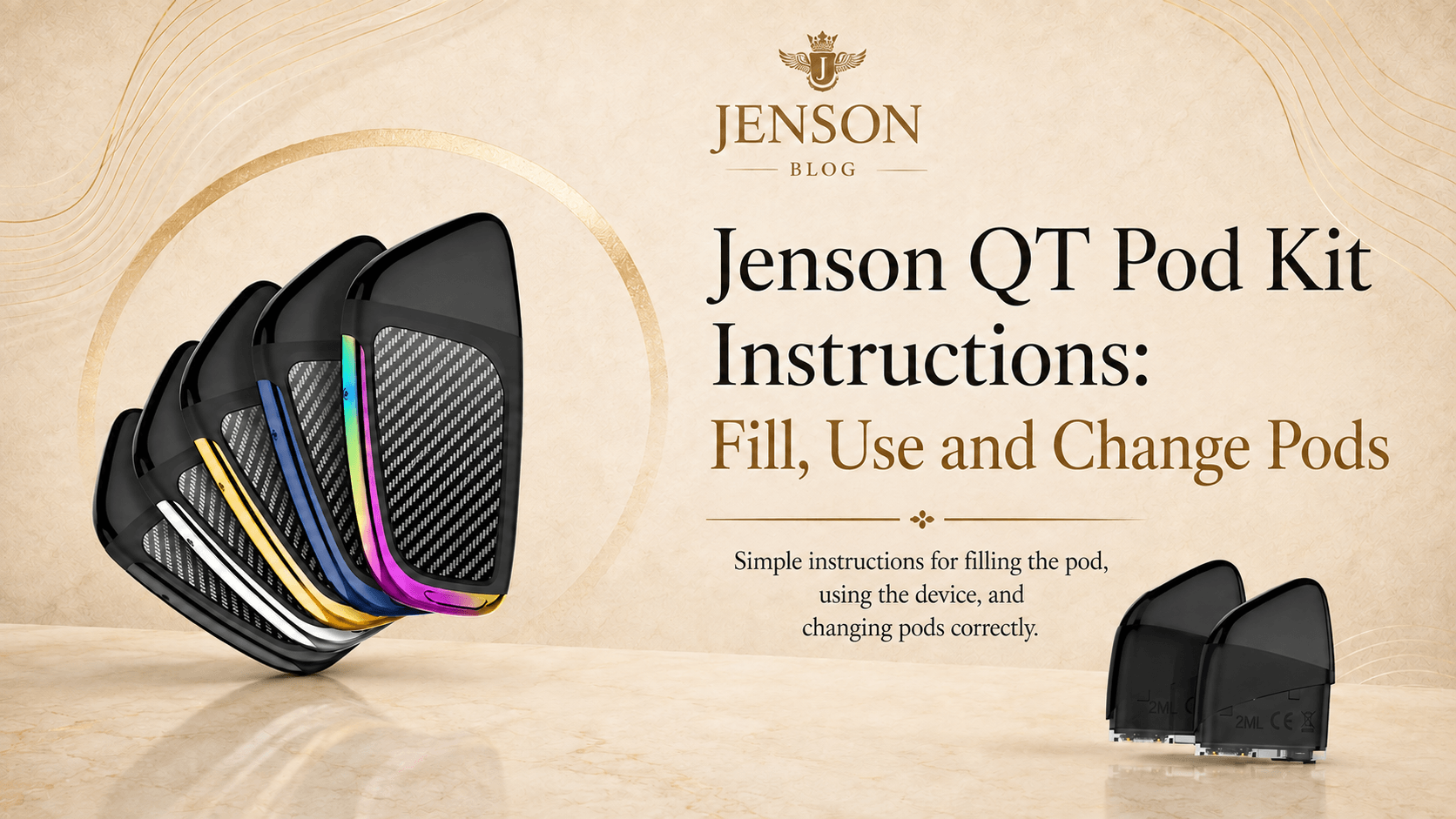
Quick answer: Open the silicone filling plug on the bottom of the QT pod, fill it with a suitable E-Liquid, close the plug firmly and let the pod stand for 5 to 8 minutes. Insert it into the charged QT device, then inhale to vape.
The Jenson QT is a compact refillable pod kit with a 370mAh internal battery and a 2ml, 1.3-ohm pod. It is draw activated, so there is no power or fire button to learn.
The core instructions below follow the official QT user manual. Additional care, safety and troubleshooting tips are included as practical guidance.
What Comes With the Jenson QT Pod Kit?
- 1 x Jenson QT device
- 1 x empty 2ml refillable pod with a 1.3-ohm coil
- 1 x Micro USB charging cable
- 1 x user manual
You can also buy Jenson QT Refillable Pods in a two-pack when the original pod reaches the end of its useful life.
How to Fill a Jenson QT Pod
- Remove the protective plug or cap from the top of the pod.
- Turn the pod over and open the silicone plug on the bottom to expose the filling port.
- Insert the narrow nozzle of your E-Liquid bottle into the filling opening and fill slowly. Keep E-Liquid out of the central airflow channel and do not overfill the pod.
- Press the silicone plug back into place firmly so the filling port is sealed.
- Let the filled pod sit upright for 5 to 8 minutes. This gives the E-Liquid time to saturate the wick before the coil is heated.
- Insert the pod into the QT device. The indicator should flash once when the connection is made.
- Take a gentle draw on the mouthpiece to activate the device.
Important: Do not skip the 5 to 8 minute priming period with a new or completely dry pod. Heating a dry wick can cause an immediate burnt taste that may not recover.
Which E-Liquid Can You Use in the QT Pod?
The QT is compatible with both 50PG/50VG and high-VG E-Liquids. For a simple everyday option, choose a 50/50 E-Liquid formulated for refillable pod kits.
The Elfbar Elfliq range is one 50/50 option available from Jenson, with a wide selection of flavours to explore. Choose a nicotine strength that suits your existing needs, or select a nicotine-free E-Liquid where available.
Browse the current Elfbar Elfliq E-Liquid range or explore other compatible E-Liquids before filling your QT pod.
How to Use the QT Vape
- Make sure the pod has been filled, sealed and primed.
- Push the pod into the device until it is seated securely.
- Place the mouthpiece to your lips and inhale gently. The device activates automatically.
- Pause between draws so the wick has time to take up more E-Liquid.
- Refill before the pod runs completely dry. Stop immediately if it begins to taste burnt.
How to Charge the Jenson QT
Charge the QT through its Micro USB port using the supplied cable and the charging guidance in the user manual. The manual specifies a 5V/0.5A charging input. Jenson advises using its compatible charging products to avoid supplying unsuitable power to the device.
- Place the device on a stable, non-flammable surface while charging.
- Keep it visible and do not leave it charging unattended or overnight.
- Disconnect the cable when the device is fully charged.
- Do not charge a wet, leaking, damaged or unusually hot device.
When Should You Change a QT Pod?
Jenson recommends replacing the QT pod after five refills to keep performance consistent. Replace it earlier if the pod tastes burnt after correct filling and priming, develops a persistent leak, becomes cracked or delivers weak vapour from a charged device.
The 1.3-ohm coil is part of the QT pod. When the coil is finished, replace the complete pod rather than trying to dismantle it.
Jenson QT Troubleshooting
Problem | Possible cause | What to do |
|---|---|---|
Burnt taste on first use | Pod was not fully primed | Stop, confirm the pod contains E-Liquid and allow 5 to 8 minutes; replace it if the burnt taste remains |
Gurgling or E-Liquid in mouthpiece | Overfilling or liquid in airflow | Remove the pod, wipe accessible excess with tissue and check the silicone seal |
No vapour | Low battery or poor pod connection | Charge the device, remove and reinsert the pod, then try a replacement pod |
Indicator flashes when inserting pod | Normal connection signal or protection alert | One flash on insertion is normal; repeated flashes should be checked against the manual |
Pod leaks repeatedly | Damaged seal, crack or overfill | Stop using that pod and replace it |
Understanding the QT Indicator Light
- Green while inhaling: Battery level is between 51% and 100%.
- Blue while inhaling: Battery level is between 30% and 50%.
- Flashing red while inhaling: Battery is below 30% and the device needs charging.
- One flash: The pod has been inserted.
- Three flashes: The pod has been removed.
- Five flashes: The device has detected a short circuit.
- Three red flashes after a long draw: The device has been used continuously for more than 10 seconds and has temporarily stopped.
- Flashing red while charging: Battery is below 70%.
- Flashing green while charging: Battery is above 70%.
- Steady green while charging: The device is fully charged.
Shop the Jenson QT Range
Explore the complete Jenson QT range for the refillable pod kit and compatible replacement pods. The original QT user manual is also available online for the device's indicator and protection details.
Frequently Asked Questions
Leave it for 5 to 8 minutes so the wick becomes fully saturated before you inhale.
Jenson recommends changing the pod after five refills for consistent performance. Replace it sooner if it is burnt, cracked or leaking.
No. It is inhale activated. Once the filled and primed pod is connected, draw gently on the mouthpiece.
The refillable pod has a maximum capacity of 2ml.